 Craftnite
Minecraft Games
Craftnite SLITHERCRAFT
Minecraft Games
The Minecraft Games page combines the worlds and similar visual language that are formed with blocks. In some games you can build free, discover a space in some, reach the end of a park or encounter other players. The rules and mode of each header is different. Start by looking at the first round, whether you want to explore or explore it.
Try to build blocks
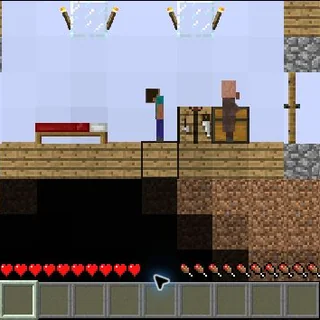
Choose a short structure idea before an title like Minecraft Classic. For example, it is enough to learn a door and two windows, a small house, block inserting and erasing commands. If you draw the limit before the ground and raise the walls then you will save the size easier. When you turn the camera, look out outside and examine the remaining area separately.
Discovery and task-based games
You can see how the block world changes with titles that use different camera layouts like Paper Minecraft. The Miniblox can put different goals according to the fashion you choose. Keep the most prominent structure in mind that you start if you need to reach somewhere and see. Even a small direction sign as the game world grows makes it easier to remember the route.
Play together in a world
If you want to open the same mode with your friends, check the room or invitation options in the game. Look at the registration and world menu before you assume that the structures located in another mode will be moved to the same session. 3D Games if you want to try other visuals in similar depth instead of the blocked world, go to Multiplayer Games page for shared room options.
How do you scale the first block layout?
A three or four-block sample before knitting a long wall and walk around the camera. The height and shade of the same blocks can affect reading for the structure to look different. Learn from the game menu if the rules and structures of the world are permanent in a mode where other players are.