
Mobile Games





















 Head Ball 2








































































Mobile Games
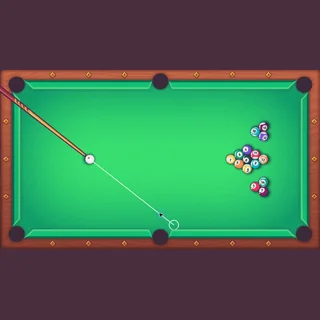
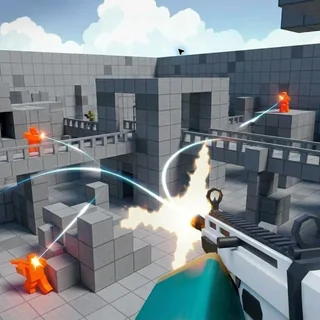
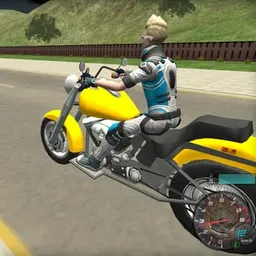
A good running game on the phone or tablet screen is not only a game that fits the image screen. The buttons should be accessible with the thumb, important information should not stay under the finger and the display direction must be comfortable during the game. On the mobile Games page there are also games that use the corresponding options as well as drag and direction buttons on the screen.
Compare vertical and horizontal screen
You can easily click on the single finger on the vertical grip. The horizontal ignit gives more space to use two-hand directions and action buttons. Check in the first round where a game looks more comfortable in which direction if the automatic rotation is open. If the task indicator or game menu remains inaccessible, then it will repeat the same game when it comes to normal appearance.
Select according to the control format
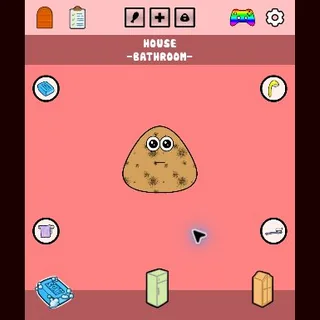
Touching menus and items in calm interactive games like Pou can stand out. In a Hot Dog Bush style service game you move more often between different positions on the screen. If you often tap the wrong button in the second example, gently learn the placement on the screen in the first order. When you want speed, it makes it easier to know where the next item is.
How do you understand the satellite to the device?
Make sure that the two basic movements in the first round have reached the game instead of deleting the page of the touch. If the screen is opened late due to connection or installation, wait for the start to complete. If you are looking for more detailed and single-signed controls, the headers on the mouse Games page offer a different experience.
Keep tab open during Uploaded
It can pause the opening of some games to switch to another application without the first installation bit. If the connection is good, wait until the main screen of the game. Use the pause option if you need to go back at the advanced stage. From where the game remains open, it may vary according to the head and browser you use.